Tutorials
Here you can find a series of Tutorials that will guide you through the use of Spyrit. It is recommended to follow them in order.
For each tutorial, please download the corresponding Python Script (.py) or Jupyter notebook (.ipynb) file at the bottom of the page. The images used in these tutorials can be found on this page of the Spyrit GitHub.
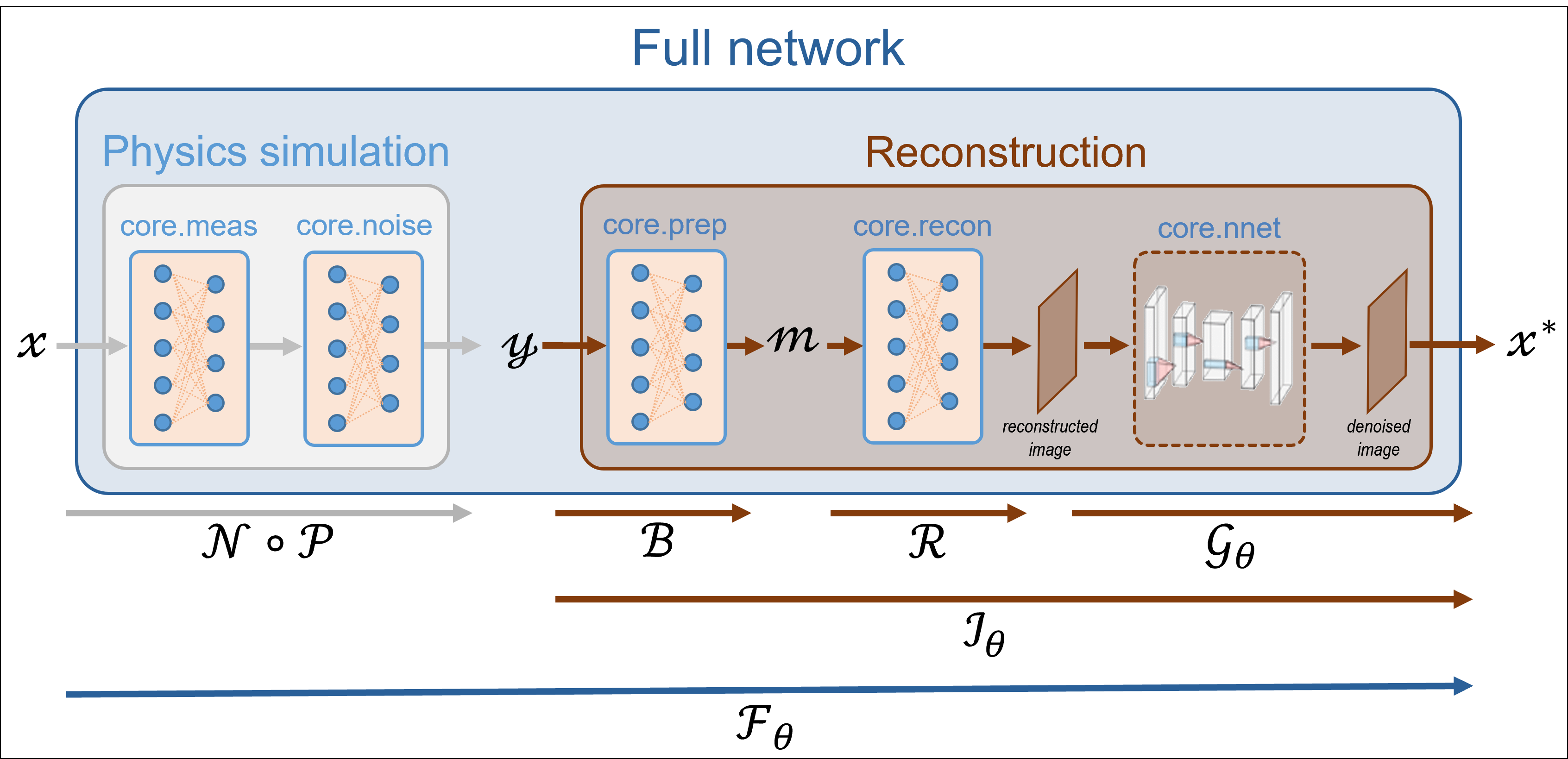
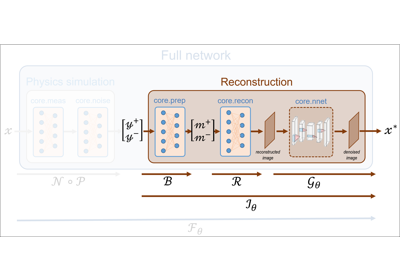
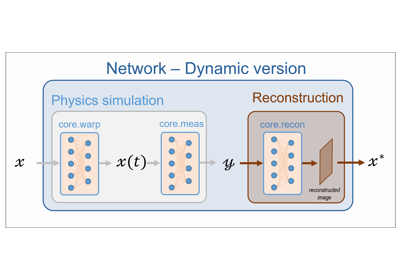
Below is a diagram of the entire image processing pipeline. Each tutorial focuseson a specific part of the pipeline.
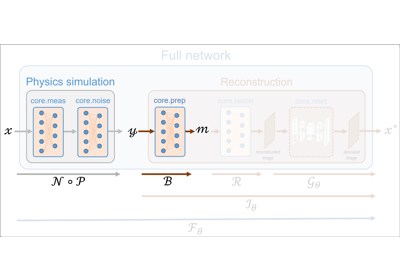
Tutorial 1 focuses on the measurement operators, with or without noise
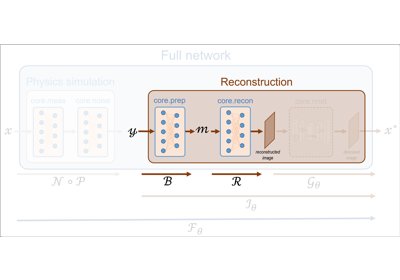
Tutorial 2 explains the pseudo-inverse reconstruction process from the (possibly noisy) measurements
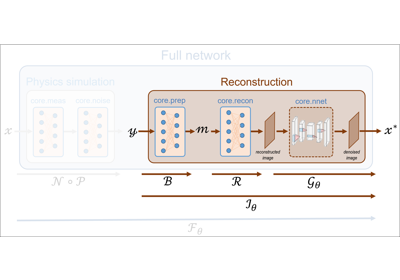
Tutorial 3 uses a CNN to denoise the image if necessary
Tutorial 4 is used to train the CNN introduced in Tutorial 3
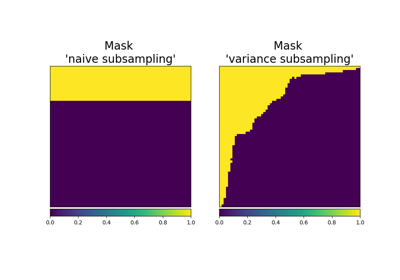
Tutorial 5 introduces a new type of measurement operator (‘split’) that simulates positive and negative measurements
Tutorial 6 uses a Denoised Completion Network with a trainable image denoiser to improve the results obtained in Tutorial 5
Tutorial 7 shows how to perform image reconstruction using a pretrained plug-and-play denoising network.
Tutorial 8 shows how to perform image reconstruction using a learnt proximal gradient descent (AVAILABLE SOON).
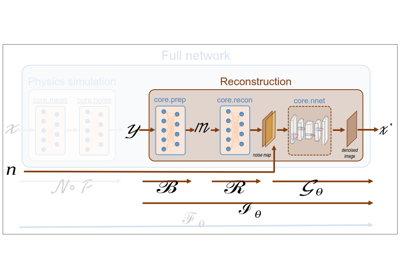
Tutorial 9 explains motion simulation from an image, dynamic measurements and reconstruction.
Explore Bonus Tutorial if you want to go deeper into Spyrit’s capabilities
02. Pseudoinverse solution from linear measurements
05. Acquisition operators (advanced) - Split measurements and subsampling
09. Acquisition and reconstruction of dynamic scenes